
IRS Notices & Transcripts
IRS Balance Doesn't Match the Notice: How to Reconcile It (2026)
The short answer: when your IRS balance is different from the notice, the number in your online account is almost always the more current one — a notice is frozen to the single date it printed, while your account keeps updating as payments post and interest compounds daily. Reconcile the two before you pay anything.
You logged into IRS.gov to pay a bill, and the balance on the screen isn't the balance on the letter in your hand. Maybe the website is higher. Maybe it's lower. Either way, you're now unsure which number is real, and afraid of paying the wrong one.
This is one of the most common IRS mismatches, and it almost always has a boring explanation: timing. A notice captures your account on one date; your online balance moves every day. The account transcript below shows exactly where the balance, the payments, and the interest lines appear, and which date each number is frozen to.
Before you touch your bank account, let's line up the two figures, find the reason they disagree, and get you to a payoff number you can trust.
⏱ Important: disputing the amount does not pause the deadline printed on your notice. If you were mailed a CP14, CP501/CP503, or CP504, that response window keeps running while you reconcile, and interest compounds daily on any real unpaid balance. Act on the deadline even while you sort out the number.
Why your IRS balance is different from the notice
A mismatch between your online balance and the notice is almost always a timing or posting issue, not an error in what you truly owe. The two numbers were measured on different dates, or a payment or adjustment landed between them.
Here are the causes, ranked by how often they explain the gap:
| What happened | Which number is off | What to check |
|---|---|---|
| A payment posted after the notice printed | Online account is lower than the notice | Compare your payment date to the notice date in your online account |
| Interest and penalties kept accruing | Online account is higher than the notice | Look for a code 196 interest line and a code 276 penalty line dated after the notice |
| A payment was applied to the wrong tax year | Notice shows a balance you thought you paid | Open every tax year in your account, not just the one on the notice |
| An amended return or IRS adjustment is still processing | Neither number is final yet | Look for codes 971/977 or a pending CP21 adjustment; check the "as of" date |
| You received two notices with two amounts | The later notice is usually higher | Sort your notices by date — the newest reflects the most accrual |
Notice how most of these come down to one of two facts: money moved, or the clock kept ticking. If the online number is lower, a payment or credit posted after the letter went out. If it's higher, interest and the failure-to-pay penalty have been running since the notice date. For the accrual side, our guide on how IRS interest actually compounds shows why the gap widens a little every day.
Which IRS number should you trust?
Trust the most current source for what you owe, and trust the notice for your deadline. They answer different questions. The paper notice is a snapshot; your account is a live ledger.
| Source | How current it is | Best used for |
|---|---|---|
| Online account balance | Updates roughly overnight | What you owe right now, at a glance |
| Account transcript | Weekly, with full line-by-line history | Seeing why the numbers differ |
| The paper notice | Frozen to its notice date | Your response deadline and appeal rights |
| Payoff quote (online or by phone) | Exact through a chosen future date | Paying in full to the penny |
The single best tool for reconciling a mismatch is the account transcript, because it lists every transaction with a date and a code. If you've never opened one, start with IRS online account setup, then read how to read an account transcript to translate the codes into plain English. You can also pull the same document through getting your transcripts online.
A worked example: reconciling the gap
Numbers make this concrete. Here's a clearly hypothetical case that mirrors what most people see.
Say your CP14 is dated in June and shows a balance of $8,000. You log in two months later and your online account reads $8,240. That $240 gap isn't a mistake — it's accrual:
- Failure-to-pay penalty: 0.5% of the unpaid tax per month. 0.5% × $8,000 = $40/month × 2 months = $80.
- Interest, compounding daily at the IRS's published rate over those two months: roughly $160.
- $8,000 + $80 + $160 = $8,240 — the current figure.
If you pay only the $8,000 printed on the notice, you'll clear most of it. But the remaining ~$240 stays on the account and generates a follow-up notice for the leftover. Pay the current $8,240 (or a dated payoff), and the account closes clean.
Now flip it. Suppose you sent $3,000 in May, the CP14 still says $8,000, but your account shows $5,000. That means your payment posted after the notice was generated. Paying the $8,000 notice figure would overpay by $3,000 — money you'd then have to chase as a refund. You can estimate exactly how much interest has stacked up since your notice with our IRS penalty & interest calculator.
What happens if you don't reconcile it
Guessing at the number instead of reconciling it costs you one of two ways. You overpay a bill you didn't owe, or you underpay and the automated collection sequence keeps advancing on the real balance.
- You pay only the notice figure. A small interest-and-penalty residual is left behind. The IRS mails a reminder (CP501) for it — the mismatch just repeats one notice later.
- You ignore both numbers. The true balance keeps growing. The automated pipeline moves forward: CP501/CP503 reminders, then a CP504 intent to levy your state refund, then an LT11 final notice with a 30-day levy clock and Collection Due Process rights.
- You overpay a wrong notice. You've paid a balance you didn't owe. Getting it back means a written refund claim and weeks of waiting — the IRS won't reverse it automatically.
In 2026 the escalation side matters more than usual: IRS staffing was cut sharply in 2025, but liens, levies, and reminder notices are issued by automated systems that never stopped running. A human may never look at your file before the next notice prints.
Not sure which number to pay?
Send us the notice and a screenshot of your online balance. An experienced tax professional will pull your transcript, find exactly why the two disagree, and tell you the right amount to pay — free, confidential, and before any notice deadline runs out.
Your options once you know the real number
Reconciling the mismatch usually points you to one of three next moves, depending on what the transcript shows.
- The notice overstates what you owe. Respond in writing before the notice date with proof — a payment confirmation, or the corrected figures. If it's a CP14, our walkthroughs on a CP14 with the wrong amount and a CP14 when you already paid lay out exactly what to send.
- The current balance is real and you can pay it. Request a dated payoff and pay it in full at IRS.gov. That stops penalties and the notice sequence immediately.
- The real balance is more than you can pay. You have programs the notice doesn't advertise: a short-term extension (up to 180 days, no setup fee), a monthly installment agreement, Currently Not Collectible status if paying would create hardship, or, when your finances genuinely qualify, an Offer in Compromise. See our hub on the IRS collection process, step by step for how these fit together.
Two related situations that create their own mismatch: a payment the IRS moved or removed (see the CP60 payment-removed notice and the CP62 payment-applied notice). A change the IRS made to your return that hasn't fully posted (the CP21B adjustment notice). If an amended return is behind the gap, where's my amended return explains the wait.
How to respond, step by step
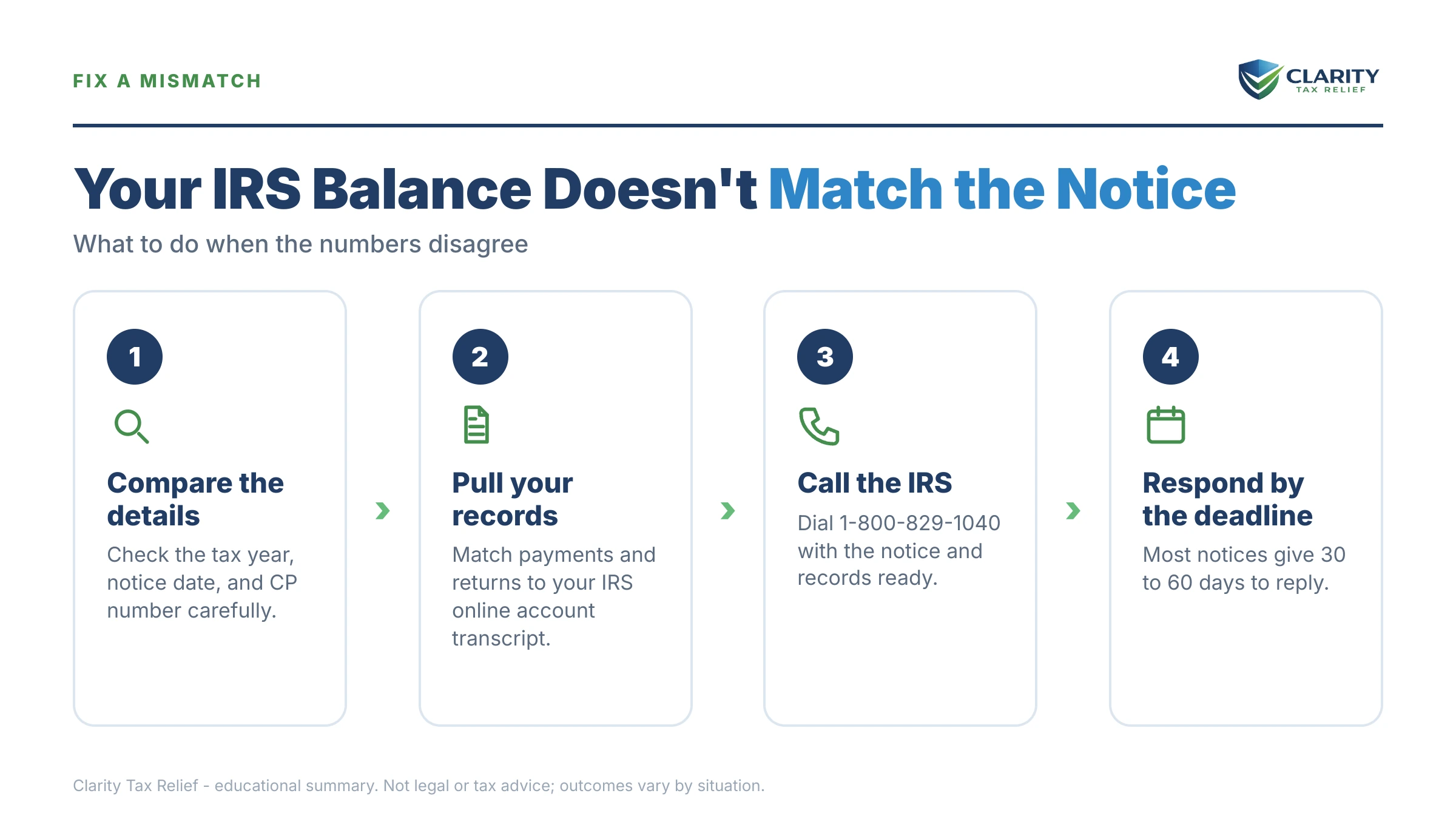
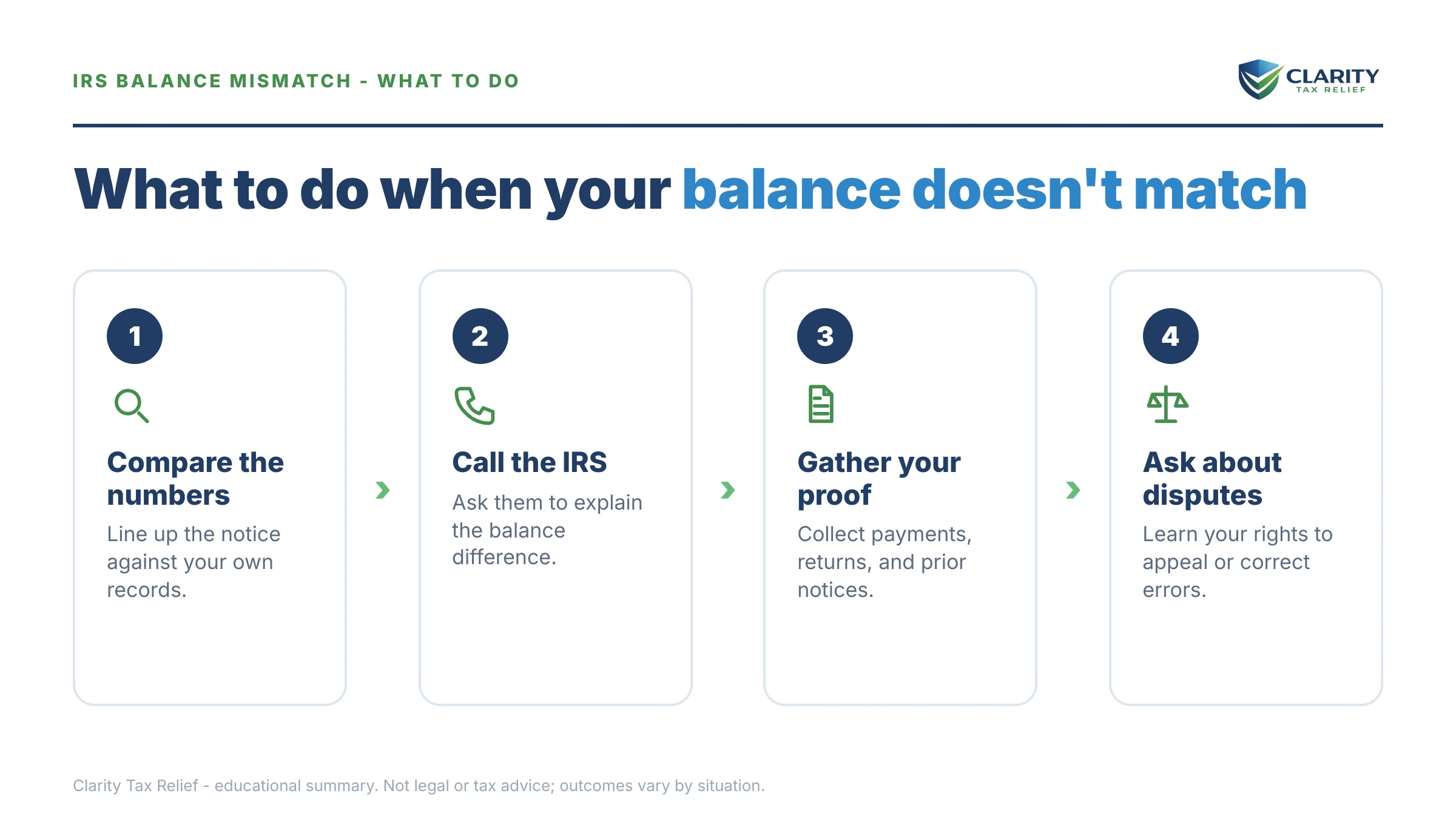
- Pull both numbers with their dates. Write down your online account balance and the notice amount, and note the date attached to each — the gap traces back to those two dates.
- Get your account transcript. Open the transcript for the tax year in question to see line items — payments, interest, penalties, adjustments — instead of a single total.
- Identify the reason for the gap. Match the difference to a cause: a payment that posted late, ongoing accrual, a payment applied to the wrong year, or a pending adjustment.
- Get an exact payoff figure. Request a payoff good through a specific date so daily interest doesn't leave a residual or cause you to overpay.
- Respond in writing if the notice is wrong. Reply before the printed deadline with proof of payment or corrected figures, and keep copies of everything.
- Get a professional review if it won't reconcile. If the numbers still don't line up, multiple years are involved, or you owe more than expected, have an experienced tax professional reconcile the account.
When you can handle this yourself, and when to get help
You can usually reconcile a small mismatch on your own. If the gap is a couple hundred dollars of interest and penalty, or a recent payment that simply hadn't posted when the notice printed, the fix is to confirm the current balance in your online account and pay that number. A first notice you agree with, on a single year, rarely needs anyone else.
Experienced help changes the outcome when the numbers won't reconcile no matter how you slice them — a payment that vanished, a balance that appears on a year you're sure was paid, or an amended return that's been "processing" for months. It also matters when the mismatch sits under a CP504 intent to levy or an LT11 final notice, because at that stage a wrong number and a missed deadline can cost you appeal rights at the same time. When you're calling the IRS to sort it out, our guide on what to say when calling the IRS about back taxes will save you a wasted hold.
Terms on your notice, decoded
- Account transcript — a running ledger of your tax year showing every payment, penalty, interest charge, and adjustment by date and code.
- "As of" date — the date at the top of a transcript that the balance is projected to. It's why the transcript total can differ from a notice.
- Payoff amount — the exact total to fully close a balance through a chosen future date, including interest that will accrue up to that day.
- Failure-to-pay penalty — 0.5% of the unpaid tax per month, added until the balance is paid. A common reason the online number exceeds the notice.
- Notice date — the date the notice printed; your response window and the balance shown on it are both frozen to this date.
Still staring at two numbers you can't reconcile? Get a free case review and we'll tell you the exact amount to pay before your notice deadline runs.
IRS balance mismatch questions, answered
Which is correct — my IRS online account or the notice?
In most cases the online account is the more current number, because it updates roughly overnight while a paper notice is frozen to the single date it was printed. The notice still governs your response deadline and any appeal rights, though. Use the online account (or your account transcript) to see what you actually owe today. The notice to see how long you have to act.
Why is my IRS balance higher than the notice amount?
Almost always because interest and the failure-to-pay penalty kept accruing after the notice printed. Interest compounds daily and the failure-to-pay penalty runs at 0.5% of the unpaid tax per month. On your account transcript you'll see this as a code 196 interest line and a code 276 penalty line dated after the notice. Pay the higher, current figure to fully close the account.
Why is my balance lower online than on the notice?
Usually a payment posted after the notice was generated, so the notice never reflected it. Check the payment date against the notice date in your online account. It can also mean the IRS applied an overpayment, a credit, or an adjustment to that year. Do not pay the older, higher notice amount — pay only the current balance shown online.
Should I pay the notice amount or the online amount?
Pay the current online balance, not the frozen notice figure, but confirm it first with an exact payoff. If the online number is lower because a payment posted, paying the notice amount overpays. If it's higher because interest accrued, paying only the notice leaves a small residual that triggers another notice. When in doubt, request a payoff good through a specific date.
My transcript shows a different balance than the notice — why?
The account transcript is a running, line-by-line ledger, so it captures payments, penalties, and adjustments that a one-time notice can't. Look at the "as of" date at the top of the transcript — that's the date the balance is projected to. If an amended return or IRS adjustment is still processing, the transcript may show codes like 971 or 977 with no final number yet.
The IRS says I owe but my account shows $0 — what does that mean?
It usually means the balance was paid, abated, or transferred to another tax year. The notice crossed in the mail before the account updated. Check every tax year in your online account, not just the one on the notice — a payment applied to the wrong year is a common cause. Keep the $0 screenshot; if a later notice repeats the demand, that record is your proof.
How do I get an exact IRS payoff amount?
Your online account shows a current balance, but for a to-the-penny figure good through a future date, request a payoff quote through the account or by calling the IRS. This matters when you're paying in full, because interest compounds daily — the number changes between the day you check and the day your payment clears. A payoff quote locks the amount to a chosen date.
Do I still have to meet the notice deadline if the amount is wrong?
Yes. Disputing the amount does not pause the deadline printed on the notice, and it does not stop the automated collection sequence behind it. Respond in writing before the notice date with your proof, and keep copies. If the notice is a CP504 or a final notice of intent to levy, missing the window can cost you appeal rights even if you were right about the number.
Your next 24 hours
- Find both dates. Locate the notice date on your letter and the balance date in your IRS online account. The gap almost always lives between them.
- Gather your proof. Pull your account transcript for that year, plus any recent payment confirmations, so you can see the line items behind each number.
- Get it reviewed free. If the numbers won't reconcile, or a notice deadline is close. Use the 2-minute form or call (888) 825-7779. We'll tell you the exact amount to pay before interest keeps climbing.
This guide is general information, not tax or legal advice for your specific situation. Eligibility for IRS programs depends on individual facts and circumstances; no outcome is guaranteed.