
IRS Refund Statuses
Tax Topic 152: What It Means for Your Refund in 2026
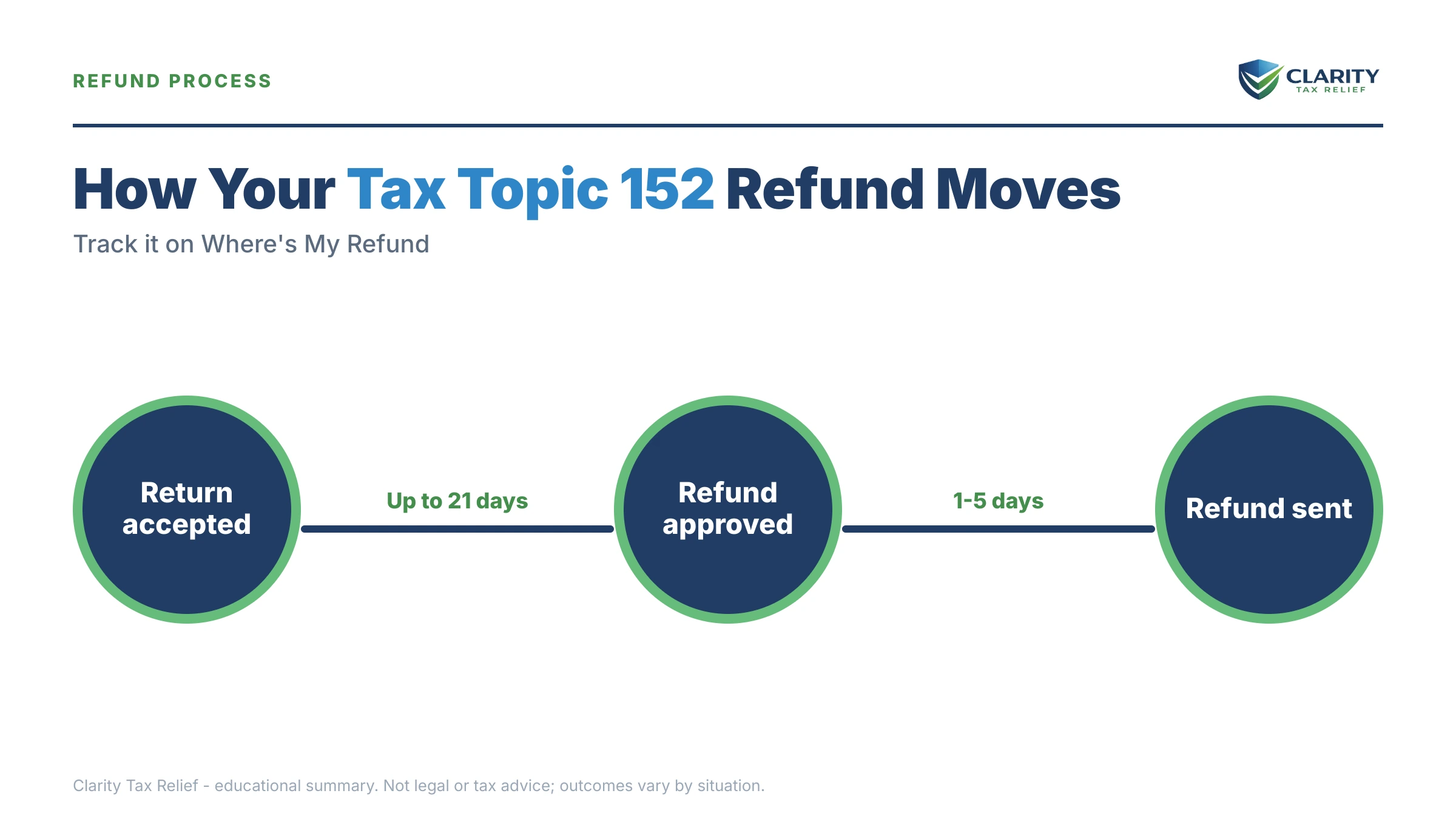
The short answer: Tax Topic 152 is the IRS's generic "refund information" message on Where's My Refund. It means your return is still processing and a refund is expected. It is not an audit, an error, or a sign your refund is being taken. Most e-filed refunds still arrive within about 21 days of acceptance.
You've typed your Social Security number into Where's My Refund for the third time this week, and the same line stares back: "Refer to Tax Topic 152." You and your spouse are counting on that money, and the app won't say when, or whether — it's coming. Here's the honest answer: for most filers, Topic 152 means nothing is wrong. This guide shows you how to tell whether you're most filers.
The visual guides below map the key facts, deadlines, and next steps for Tax Topic 152, and which signals actually tell you something about your money.
⏱ The real clock: Tax Topic 152 sets no deadline for you. There is nothing you're required to do. The marker that matters: the IRS says most e-filed refunds arrive within 21 days of acceptance. Past that window with no movement, it's time to pull your transcript, not just refresh the app.
Why you're seeing Tax Topic 152 on Where's My Refund
Tax Topic 152 is the IRS's catch-all reference for refund processing. It appears whenever a return expecting a refund is moving through the system normally. It isn't triggered by anything on your specific return. The "topic" is literally a numbered help article on IRS.gov. The tool cites it to millions of filers, often from the very first day a return is accepted.
What actually tells you something is the status bar, not the topic number. "Return Received" plus Topic 152 means your return is in the queue. "Refund Approved" means the IRS has finished and scheduled your money. Tax Topic 152 is not an error code — the tool flags real problems differently, with a "Take Action" message, a reference code, or a switch to a different topic number.
One quirk that burns refund-watchers: Where's My Refund generally updates once a day, overnight. Refreshing it hourly changes nothing. Your account transcript often moves first — most accounts update on a weekly cycle, and knowing what day IRS transcripts update saves a lot of anxious refreshing.
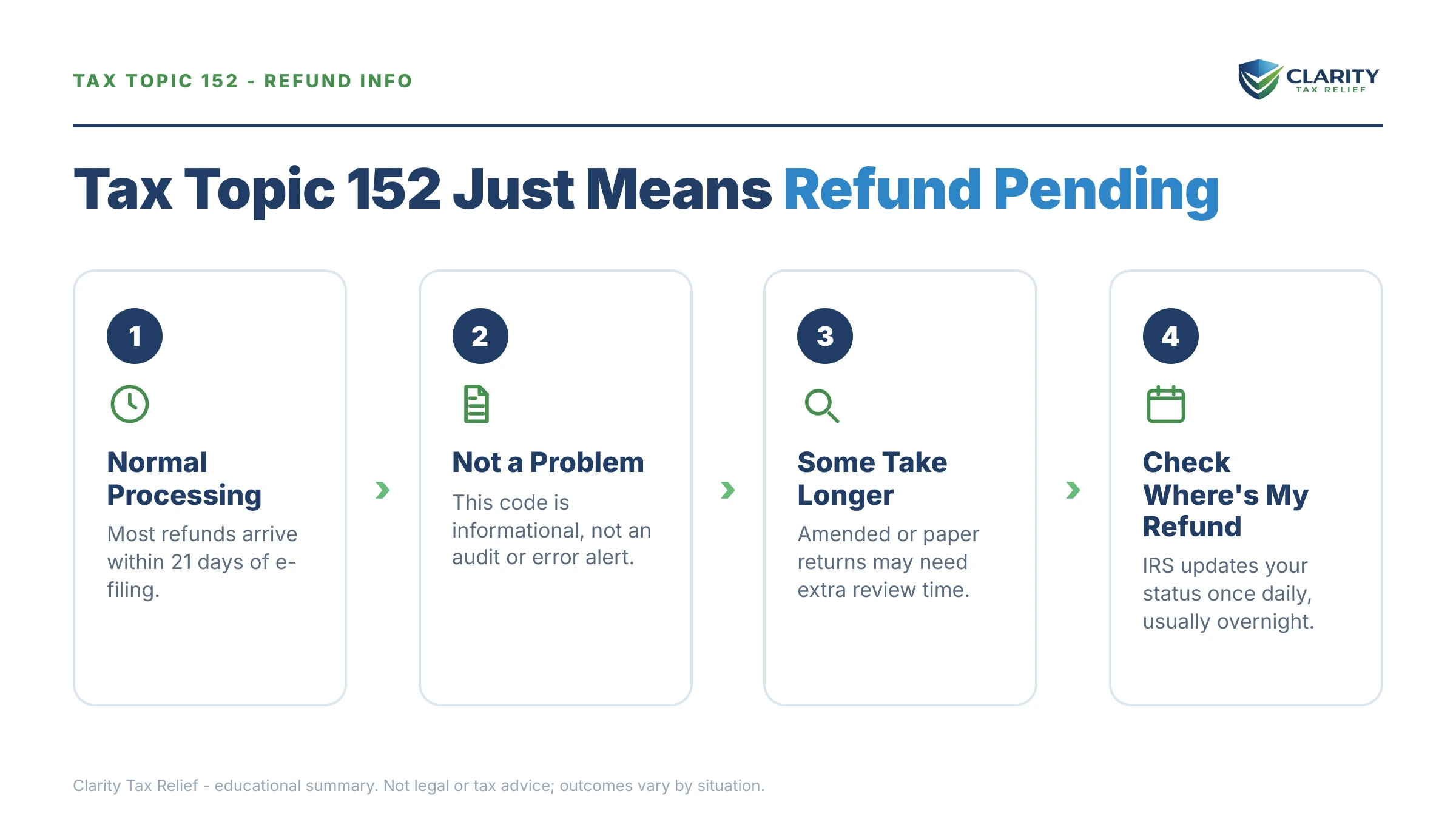
What Tax Topic 152 is not
Topic 152 is not an audit, not an offset, and not a request for you to do anything. An audit announces itself with a letter and shows up as code 420 on your account transcript. An offset, your refund being taken for another debt, shows up as Tax Topic 151 or an offset notice, not 152.
It also doesn't mean a person is reviewing your return. The overwhelming majority of returns showing Topic 152 are sitting in automated processing, waiting their turn. If the IRS needed something from you, it would say so — by postal mail, never by text, email, or a call demanding payment.
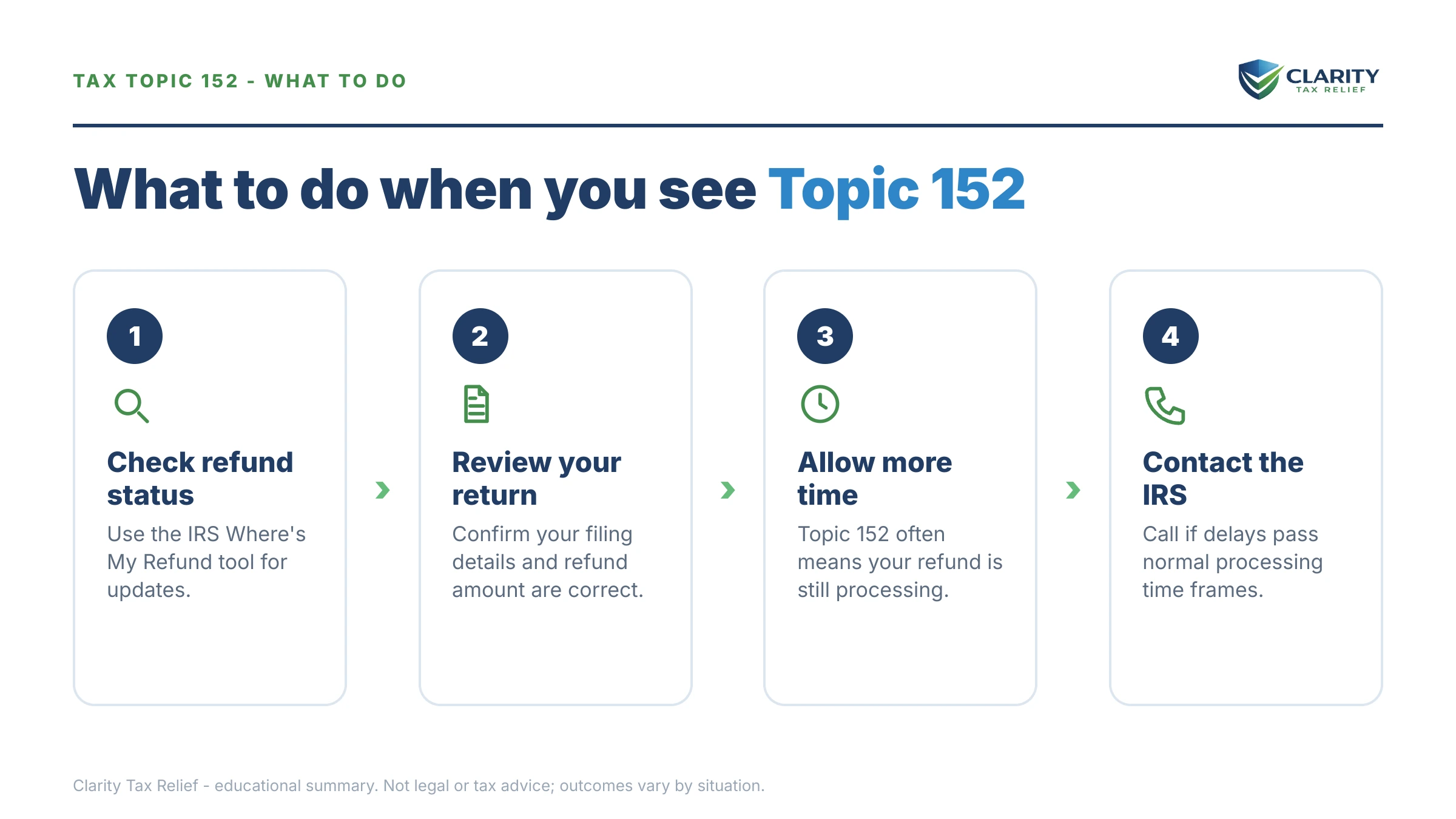
What happens next if you just wait
Tax Topic 152 resolves in one of five ways, and only two of them require anything from you. In order of likelihood:
- Your refund is approved. The status bar moves to "Refund Approved," and your transcript posts code 846 with your refund issued date. This is the outcome for most filers, usually inside the 21-day window.
- A hold posts. Your transcript shows code 570 on your transcript, often with a 971 (notice issued) right behind it. Something needs a second look: a withholding mismatch, a credit verification, a math discrepancy. Many 570 holds release on their own; some produce a letter.
- A freeze posts. A code 810 refund freeze stops everything, most often for identity verification or a questioned credit. Nothing moves until the freeze condition is cleared.
- Topic 152 becomes Topic 151. Your refund is being reduced or held for another debt, and you have appeal rights. A letter explaining what was taken, and from whom — follows.
- A letter arrives asking you to act. Most commonly an identity-verification letter like the 5071C letter. Your refund is parked until you respond; the delay is entirely in your hands at that point.
In 2026 the waiting is real: the IRS workforce was cut roughly 27% in 2025, so anything that falls out of automated processing — paper returns, error resolution, identity reviews — sits in a slower queue than it used to. Clean e-filed returns, though, still move at machine speed.
Refund stuck, or being taken for back taxes?
If Tax Topic 152 has turned into a freeze, an offset, or a letter about a balance you owe, that's no longer a waiting problem — it's a resolution problem. An experienced tax professional will review your transcript and tell you exactly what's holding your money and what fixes it. Free, confidential, no pressure.
How long does Tax Topic 152 take? What's normal in 2026
Most refunds showing Tax Topic 152 arrive within about 21 days of e-file acceptance, but several common situations legitimately take longer, and knowing which one you're in tells you when waiting stops being the right move.
| Your situation | Typical wait | When to act |
|---|---|---|
| E-filed, direct deposit, no refundable credits | Under 21 days from acceptance for most filers | Past day 21 with no transcript movement |
| Claiming EITC or Additional Child Tax Credit | Held until mid-February by the PATH Act, then normal processing | If nothing has posted by early March |
| Paper return | Six weeks or more, often longer in 2026 | Past six weeks with the return not even showing in the system |
| Form 8379 (injured spouse) attached | Several extra weeks, often two to three months total | When the IRS's stated Form 8379 processing window has passed |
| Amended return | Months, not weeks — tracked on a separate tool | Past the IRS's posted amended-return timeframe |
| Identity-verification letter received | Frozen until you verify, then several more weeks | The day the letter arrives — respond immediately |
Two of these deserve a closer word. First, the PATH Act: if your refund includes the Earned Income Tax Credit or the Additional Child Tax Credit, federal law bars the IRS from releasing any of it before mid-February, even the part that isn't credit money. Filing in January doesn't beat the hold; see PATH Act refund delays for how those refunds actually sequence.
Second, a small consolation for long waits: when the IRS holds a refund long enough — more than 45 days after the filing deadline (or after the date you actually filed, if you filed late) — it pays you interest on it. That interest is taxable income the following year, which is a strange kind of silver lining, but it's yours.
One thing that never helps: filing a second return because the first one seems stuck. A duplicate filing creates a conflict that pulls your account out of automated processing entirely and can add months. If you're past every normal window, the fix is transcripts and a phone call, not a do-over. And note this page is federal-only: state refunds run on each state agency's own timeline and tracker, so a slow IRS refund says nothing about your state one, and vice versa.
Tax Topic 152 vs. 151 vs. transcript codes: the decoder
Tax Topic 151, unlike 152, means the IRS is reducing or holding your refund, and it comes with formal appeal rights. Everything else you're likely to see sorts into a handful of statuses and transcript codes. The transcript almost always tells you more than the app. If you haven't pulled yours yet, here's how to get your IRS transcript online in about ten minutes.
| What you see | What it actually means | What to do |
|---|---|---|
| Tax Topic 152 | Normal refund processing — no action required | Wait out the 21-day window, then check your transcript |
| Tax Topic 151 | Refund being reduced or held; you have appeal rights | Watch for the letter; verify any offset before disputing |
| Code 846 | Refund issued — the date next to it is your money's date | Nothing; allow a few days for the deposit to land |
| Code 570 (often with 971) | Hold on the account; something is being verified | Wait for the notice; respond fast if one arrives |
| Code 810 | Refund freeze — commonly identity or credit verification | Complete verification the moment you're asked |
| "Still being processed," no topic shown | Return pulled out of the normal automated flow | Pull your transcript; past 21 days, call the IRS |
If your app message has shifted from "being processed" to "still being processed" and stayed there, that wording change usually matters — our guide to "Where's My Refund" stuck on still processing covers that specific limbo in depth.
Say your refund is $13,600: a married couple's worked example
Say you and your spouse filed jointly in late January expecting a $13,600 refund — $9,400 in excess withholding from two W-2 jobs plus $4,200 in child tax credits for your two kids, part of it refundable as Additional Child Tax Credit. Here's what Topic 152 actually means for you, in order:
The PATH Act controls your floor. Because part of the $13,600 is ACTC, the entire refund is held until mid-February no matter how early you filed. Seeing Topic 152 for three weeks in February is completely normal for your return.
The transcript is your real tracker. Once a code 846 posts, the date beside it is your deposit date — for PATH filers that's typically late February with direct deposit. A 570 instead of an 846 means something (often the withholding numbers from one employer) is being matched before release.
Offsets can shrink it without warning. Suppose your spouse has a defaulted federal student loan with $6,200 outstanding. The Treasury Offset Program can take that $6,200 straight out of the joint refund — $13,600 − $6,200 = $7,400 deposited — and the app may show Topic 151 or just a smaller amount. Because the debt isn't yours, filing injured spouse Form 8379 lets you recover your share of the refund: roughly the portion attributable to your income, withholding, and credits.
And the uncomfortable math: a $13,600 refund means you handed the Treasury about $1,133 a month ($13,600 ÷ 12) interest-free all year. Adjusting both spouses' Form W-4 withholding turns most of next year's refund into monthly take-home pay — money that can't be delayed, frozen, or offset, because it never leaves your paycheck. And if you spot an actual error after filing — a missed credit, a wrong income figure — don't file a duplicate return. The right move is amending the return once the original finishes processing.
How to respond to Tax Topic 152, step by step
- Confirm your return was accepted. Check your tax software or preparer for an "accepted" confirmation — "submitted" is not the same thing, and the 21-day clock starts at acceptance.
- Count 21 days from the acceptance date. Until then, Tax Topic 152 is normal. Refreshing Where's My Refund more than once a day tells you nothing new, because it generally updates overnight.
- Pull your account transcript. Look for code 846 (refund scheduled, with a date), 570 (hold), or 810 (freeze) — the transcript usually shows movement before the app does.
- Open and answer every IRS letter the day it arrives. Identity-verification letters like the 5071C freeze your refund until you respond — the clock does not restart on its own.
- Escalate if you're past the window with no movement. Call the IRS once you're past 21 days (e-file) or six weeks (paper), and contact the Taxpayer Advocate Service if the delay is causing financial hardship.
You can track everything yourself at the IRS's Where's My Refund tool, and if a delayed refund is causing real hardship — an eviction notice, a shutoff, medical need — the Taxpayer Advocate Service exists precisely to force stuck cases through.
When you can handle this yourself, and when help changes the outcome
Almost everyone seeing Tax Topic 152 should simply wait, check their transcript, and answer any letter — no professional needed, and no fee justified. Be blunt about this: nobody can legally speed up a normal refund, and anyone charging money to "release" a refund that's in ordinary processing is selling you nothing.
Where experienced help genuinely changes the outcome is when the refund problem is really a tax-debt problem underneath: an 810 freeze that survives identity verification, a refund held because prior-year returns were never filed, offsets eating your refund every single year for old IRS balances, or a spouse's debt repeatedly consuming a joint refund. Those situations have fixes — filing the missing years, resolving the underlying balance, injured spouse claims — and the order you do them in matters. If back taxes are what's eating your refund, start with our guide on how to settle tax debt yourself, then get a free review if the situation spans multiple years or both spouses.
Terms on your refund status, decoded
- Tax Topic 152: the IRS's generic "your refund is processing" reference on Where's My Refund — informational, not a problem code (the official text lives at IRS Tax Topic 152).
- Tax Topic 151: the opposite signal. Your refund is being reduced or held, and you have the right to appeal.
- PATH Act: the federal law that holds any refund claiming the EITC or Additional Child Tax Credit until mid-February, fraud-screening included.
- Code 846: the transcript entry that means "refund issued" — the date beside it is when your money moves.
- Code 570: a hold on your account while something is verified; it often releases on its own or is explained by a follow-up notice.
- Refund offset: the Treasury Offset Program intercepting part or all of a refund to pay back taxes, child support, or defaulted federal student loans before you ever see it.
Tax Topic 152 questions, answered
Is Tax Topic 152 good or bad?
Neutral to good. Tax Topic 152 is the IRS's generic "refund information" message and simply means your return is in normal processing with a refund expected. Most filers who see it get their refund within the standard window — about 21 days for e-filed returns. It only becomes a concern if it lingers well past that window, or if it changes to Tax Topic 151, which signals your refund is being reduced or held.
Does Tax Topic 152 mean my refund is approved?
No. Approval is a separate stage. Topic 152 only means the IRS is still processing your return. Approval shows as the "Refund Approved" bar on Where's My Refund and as code 846 on your account transcript, which includes your actual deposit date. Until 846 posts, both the amount and the timing can still change — for example, if part of your refund is offset to another debt.
How long does Tax Topic 152 take in 2026?
It usually lasts until your refund is approved. The IRS says most e-filed refunds arrive within about 21 days of acceptance. Refunds claiming the EITC or Additional Child Tax Credit are held by the PATH Act until mid-February. Paper returns typically take six weeks or longer. In 2026, anything that needs a human reviewer moves slower than usual because the IRS workforce was cut roughly 27% in 2025.
Why did Tax Topic 152 disappear from Where's My Refund?
Usually it means your return moved to the next processing stage — the generic message frequently drops off shortly before the status changes to "Refund Approved." It is only a warning sign if it's replaced by Tax Topic 151, a "Take Action" message, or reference code 1242. If the topic vanishes and nothing else changes for a week or more, pull your account transcript and look for codes 846, 570, or 810.
Does Tax Topic 152 mean I'm being audited?
No. An audit is a different process with its own signals — an opening letter such as Letter 566 or CP75 in the mail, and code 420 on your account transcript. Tax Topic 152 is a generic processing message that appears on millions of accounts with nothing wrong. If the IRS ever needs something from you, it will say so by postal mail — never by text or email.
What is the difference between Tax Topic 152 and Tax Topic 151?
Topic 152 means normal processing; Topic 151 means the IRS is reducing or holding your refund and you have appeal rights. Topic 151 usually points to an offset — back taxes, defaulted federal student loans, child support, or state debts — or to a review of a credit you claimed. If your status switches from 152 to 151, expect a letter explaining what was taken or held and how to dispute it.
Should I call the IRS about Tax Topic 152?
Not before 21 days have passed since your e-filed return was accepted (or about six weeks for a paper return) — phone agents generally can't see more than Where's My Refund shows until then. Call once you're past those windows, when your transcript shows a hold code like 570 or 810, or when you've received a letter. Expect long waits in 2026; the workforce cuts hit phone lines hard.
Can my refund still be taken if I see Tax Topic 152?
Yes. Topic 152 doesn't screen for offsets. The Treasury Offset Program can take some or all of your refund for back federal or state taxes, child support, or defaulted federal student loans, usually the status later changes to Tax Topic 151 or you receive an offset notice. If you filed jointly and the debt belongs only to your spouse, Form 8379 (Injured Spouse Allocation) can recover your share.
Your next 24 hours
- Find your acceptance date. Open your tax software or e-file confirmation email, note the day the IRS accepted your return, and count 21 days forward — that's your personal "normal" window.
- Pull your account transcript. Log into your IRS online account and scan the current year for codes 846, 570, or 810 — five minutes of reading beats a month of refreshing the app.
- If your refund is frozen, offset, or tied to back taxes, get it reviewed free. Interest and penalties on any underlying balance keep accruing while you wait — call (888) 825-7779 or use the 2-minute form and an experienced tax professional will map the fastest path to your money.
This guide is general information, not tax or legal advice for your specific situation. Eligibility for IRS programs depends on individual facts and circumstances; no outcome is guaranteed.